


这是 PTK 最具价值的应用场景之一:从 Excel 数据表格全自动构建 PIPESIM 管网模型。"Build Network Model"官方案例展示了完整的工作流程。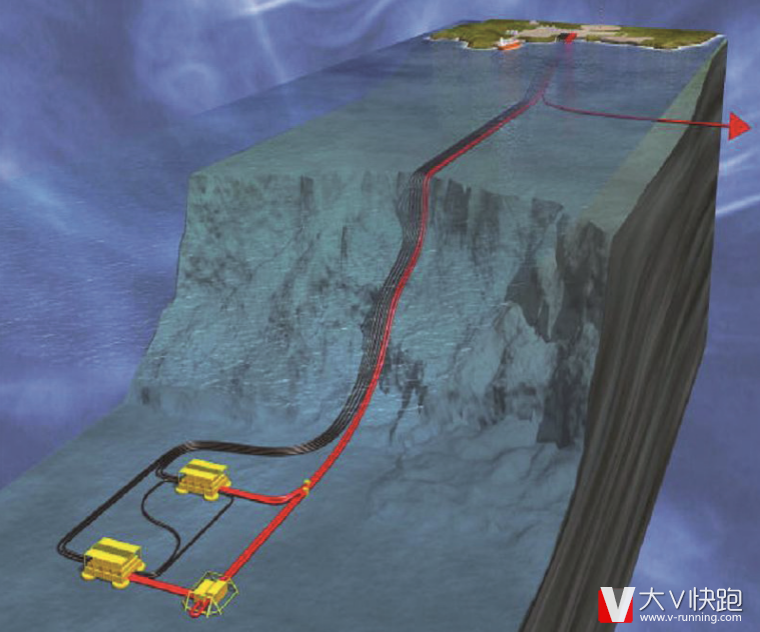
工作流概述
- 在 Excel 工作簿中按规范格式填写模型数据
- PTK 脚本读取 Excel 数据表
- 自动创建井、源、汇、管线、设备组件
- 自动建立拓扑连接关系
- 分配流体模型
实现要点
df_wells = range_to_dataframe(xw.Range("WellsData").value)
model = Model.new("Output.pips")
for _, row in df_wells.iterrows():
    model.add(ModelComponents.WELL, row["Name"])
    model.set_value(Well=row["Name"],
        parameter=Parameters.Completion.RESERVOIRPRESSURE,
        value=row["ReservoirPressure"])
for _, conn in df_connections.iterrows():
    model.connect(conn["Source"], conn["Target"])
价值分析
对于包含 100+ 井的管网,手动建模可能需要数天,而通过 PTK 自动构建仅需几分钟。文章源自云智设计-https://www.cidrg.com/cid-college/tutorial/pipesim/26907.html 文章源自云智设计-https://www.cidrg.com/cid-college/tutorial/pipesim/26907.html

客服微信
扫一扫

EngGPT
微信号已复制
云智微信公众号
扫一扫

cidrg_com
公众号已复制